

Start with the right logo file
The quality of a printed logo depends on the quality of the file. A vector file, such as an editable PDF or SVG, is ideal because it can be scaled without losing sharpness. If you only have a small PNG or JPG, send it anyway and ask whether it can be cleaned up or recreated before printing. A transparent background gives the cleanest result on a coloured garment.
Choose the garment
T-shirts suit events and casual uniforms, polos suit customer-facing staff, and hoodies and jackets suit outdoor teams and winter wear. Think about colour as well: a dark logo on a dark garment will not show, so check contrast, or ask about alternatives. See the range of t-shirt printing, polo shirts and hoodies.
Decide on placement and size
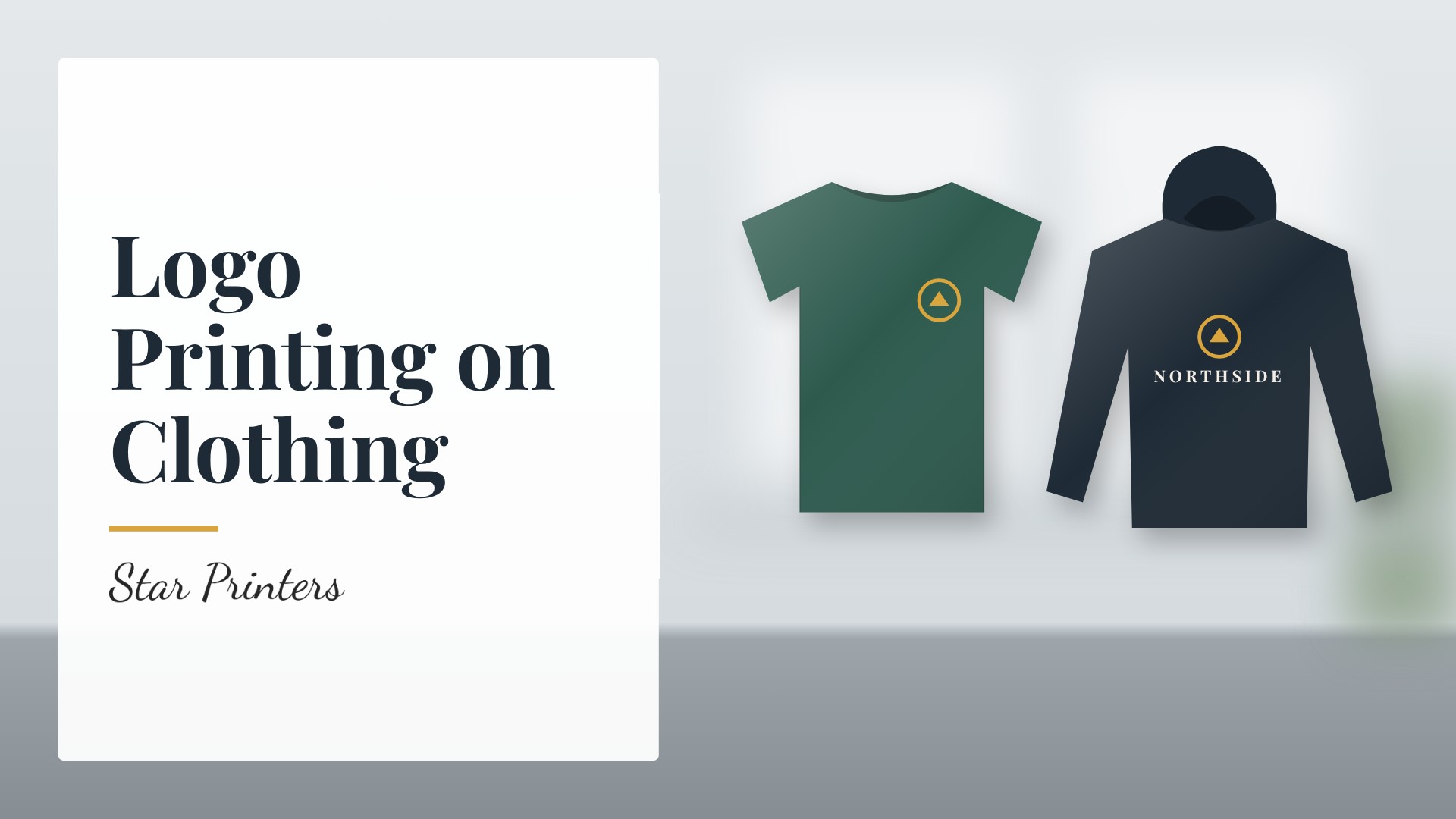
- Left chest for a small, professional logo on workwear.
- Centre chest or large front print for events and merchandise.
- Back print for team names, slogans or a larger logo.
- Sleeve prints for extra branding.
What DTF printing is
DTF stands for direct-to-film. The design is printed onto a film and heat-transferred onto the garment. It works with full-colour artwork and fine detail across cotton, polyester and blended fabrics. For a method comparison, read our guide to DTG, DTF and screen printing.
Order quantity and personalisation
DTF does not need large minimum orders, so a few shirts is a normal order. Each garment can also carry a different name or number, which suits teams and events.
Look after your prints
Wash printed garments inside out at a moderate temperature and avoid ironing directly on the print.
Colour contrast and garment colour
A logo needs to stand out against the garment. Dark logos can disappear on navy or black clothing, while white or light logos are easy to see. If your logo does not suit a particular garment colour, ask about a light or one-colour version of the logo for dark clothing.
Order a sample first
If you are ordering for a whole team, consider printing one sample garment first. It lets you check the size and position of the logo, the colours and the feel of the print before you commit to the full order.
Names and numbers: a checklist
- Use a spreadsheet or list with each person, size and name text.
- Check spelling, spacing and capital letters.
- Agree the font and size for names or numbers.
- Confirm the final list before printing starts.
Common mistakes to avoid
The most common problems are low-quality logo files, a logo that is too small to read from a distance, text too close to seams or collars, and last-minute changes after production has started. Sending clean artwork, choosing a sensible size and approving a proof avoids most of them.
Get started
Visit our DTF and logo printing page, message us on WhatsApp with your logo and quantity, or contact us. Our free design service can help if your artwork is not print-ready.